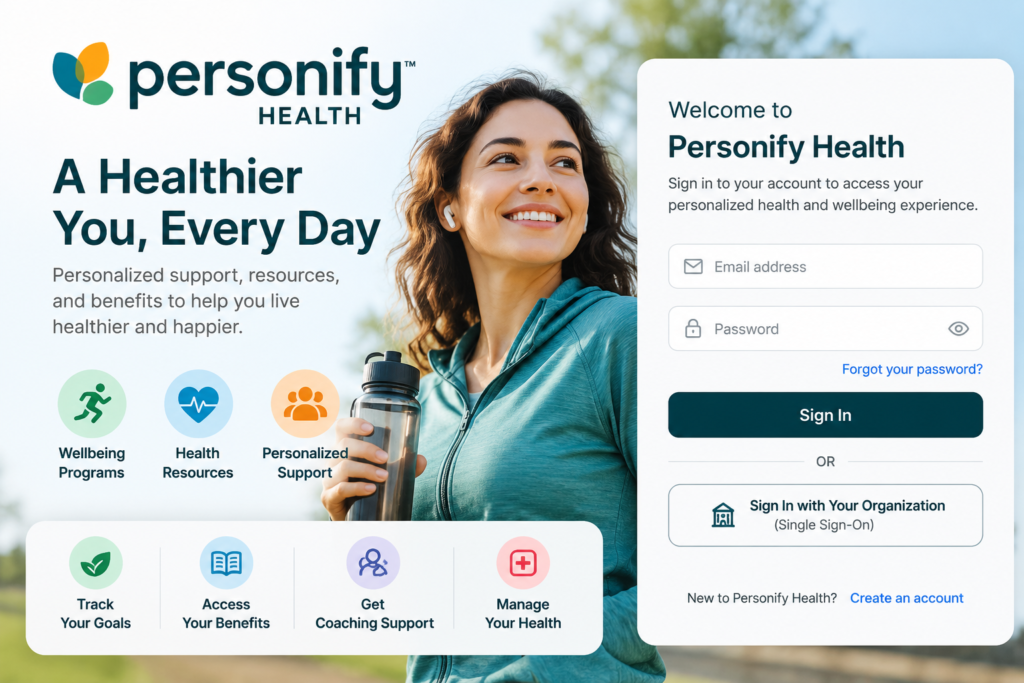
Personify Health login is the online access point for members who use Personify Health’s personalized health and wellbeing platform through an employer, health plan, or other sponsoring organization. Personify Health was created through the combination of Virgin Pulse and HealthComp and now brings together health navigation, wellbeing programs, benefits administration, and related health services in one connected platform.
What Is Personify Health?
Personify Health is a digital health platform designed to connect people with personalized health resources, wellbeing programs, benefits information, coaching, and other services. According to the company, its platform is intended to make health management more personalized, connected, and easier to navigate. It serves employers, health plans, health systems, and other organizations.
The platform combines several areas that were traditionally handled through separate systems. These can include health and wellbeing programs, care navigation, chronic-condition support, benefits administration, coaching, and health-goal tracking.
How Does Personify Health Login Work?
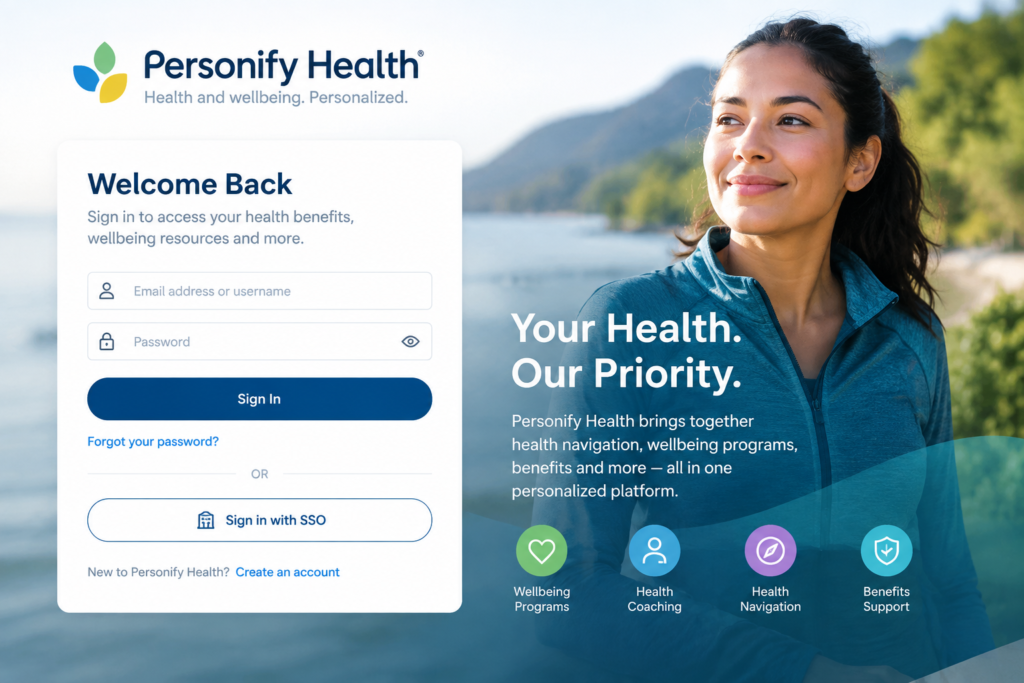
The exact login experience can vary depending on the organization sponsoring a member’s Personify Health program. Some organizations may provide a dedicated sign-in page or Single Sign-On (SSO), while others may use a username-and-password process.
Personify Health describes SSO as an authentication process that allows users to access multiple applications using one set of credentials. During its transition from Virgin Pulse to Personify Health, the company stated that existing credentials would continue to work during the transition.
For this reason, members should normally begin with the login link supplied by their employer, health plan, or Personify Health program rather than using an unofficial third-party login page.
How to Register for Personify Health
New members generally need to confirm their eligibility with the sponsoring organization before creating an account. Personify Health’s enrollment material describes a process that includes identifying yourself and your sponsor organization, reviewing legal and privacy information, creating an account with an email address and password, and completing the setup before signing in.
A typical registration process is:
- Open the Personify Health enrollment or login page supplied by your organization.
- Select the registration or account-creation option if you are a new member.
- Provide the requested identification and sponsor information.
- Review the applicable privacy and program terms.
- Create your login credentials.
- Complete the remaining profile information.
- Sign in to your Personify Health account.
The exact steps can differ between programs.
What Can Members Access After Login?
Depending on the program provided by the sponsoring organization, the Personify Health platform may provide access to benefits information, wellbeing resources, health programs, coaching, health tracking, care navigation, and other services.
Personify Health also describes a connected platform that can combine benefits administration, chronic-condition management, wellbeing programs, coaching, and health-goal tracking.
For some programs, members may also be able to access digital benefit information and ID cards through the web or mobile experience. Personify Health’s third-party administration documentation describes a centralized platform where members can view plan information and access digital ID cards.
Personify Health Login and Privacy
Privacy is particularly important for a health-related platform. Personify Health’s privacy notice, updated July 27, 2026, explains that the company may collect information needed to operate its programs. Depending on the program, this can include contact information, login email, profile information, certain health information, fitness and wellbeing activity, program participation, and information voluntarily provided during interactions with health coaches or member services.
The company’s privacy notice also explains that information may be collected through its website, mobile application, health assessments, connected tracking devices, and other program-related services, depending on the program design.
Because the information involved can be sensitive, members should avoid entering their Personify Health username, password, health information, or other private account details into unofficial websites.
What If You Cannot Log In?
If your Personify Health login is not working, first check that you are using the login page provided by your employer or sponsoring organization. Also check that your username or email address has been entered correctly.
If you are using an organization-specific SSO system, your employer’s authentication process may be involved. If the problem continues, Personify Health provides member support through its official contact channels. Its current contact page directs members to [email protected] for member support.
For security reasons, do not send your password or other confidential login credentials by email.
Personify Health Login on Mobile Devices
Personify Health also operates a mobile application as part of its platform. The company’s privacy documentation confirms that its programs can operate through both the web platform and mobile application.
Using the official application can be convenient for members who want to interact with their health and wellbeing program while away from a computer. Availability of specific features depends on the program provided by the sponsoring organization.
Why Personify Health Is Different From a Basic Health Portal
A conventional health portal may primarily provide access to medical records, appointments, claims, or insurance information. Personify Health describes a broader model that combines benefits, wellbeing, health engagement, navigation, coaching, and other services within a connected experience.
This distinction is important when searching for “Personify Health login.” A user may not simply be looking for a username-and-password page; they may be trying to access an employer-sponsored wellbeing program, benefits information, coaching service, health-management tools, or another feature connected to their specific program.
Personify Health After the Virgin Pulse and HealthComp Combination
Personify Health officially introduced its new brand in February 2024 after Virgin Pulse and HealthComp merged in November 2023. The combined organization brought together health-plan administration, wellbeing solutions, and health navigation.
This history explains why some users may still encounter older references to Virgin Pulse when searching for information about their account or login. Personify Health’s own FAQ explains that the SSO service was rebranded during the transition.
Frequently Asked Questions
Is Personify Health a health insurance company?
Personify Health describes itself as a personalized health platform rather than simply an insurance provider. Its services can include benefits administration, health navigation, wellbeing, coaching, and chronic-condition management, depending on the organization and program.
Can everyone create a Personify Health account?
Not necessarily. Access generally depends on eligibility through an employer, health plan, or other sponsoring organization. Personify Health’s enrollment material specifically describes confirming eligibility with the sponsor organization.
What should I do if I forgot my login details?
Use the recovery options available on your official Personify Health login page. If your account is connected to an employer’s SSO system, you may need to follow your organization’s authentication or support process.
Is Personify Health available through a mobile app?
Yes. Personify Health’s privacy documentation refers to both its web platform and mobile application, although the features available to an individual member depend on the applicable program.
Where can I get official support?
Personify Health’s official contact page provides a member-support email and directs current HealthComp members to their member portal for secure messaging.
Final Thoughts
Personify Health login is more than a simple website-access query. It provides the entry point to a broader personalized health platform that can combine wellbeing, health navigation, benefits information, coaching, and other services. Because access and available features can vary by sponsoring organization, members should use the official login or enrollment information provided by their employer or health plan.
For account problems, privacy questions, or support, the safest approach is to use Personify Health’s official website and support channels rather than relying on unofficial login pages.